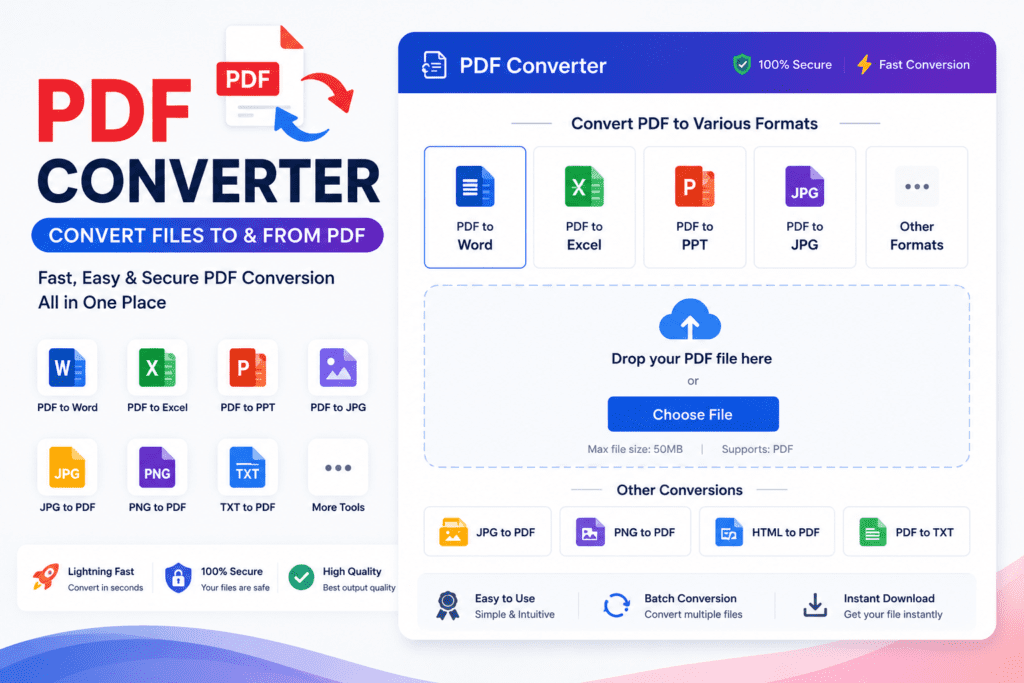
📄 PDF Converter
Convert images to PDF, merge PDFs & more – 100% free & private!
🖼️ Image to PDF
Convert JPG, PNG, WEBP images to a PDF. Add multiple images for multi-page PDF.
Click to upload or drag & drop
JPG, PNG, WEBP supported • Multiple images allowed
PDF Ready!
🔗 Merge PDFs
Combine multiple PDF files into one single document.
Click to upload or drag & drop
Add 2 or more PDF files • They merge in uploaded order
PDFs Merged!
📷 PDF to Image
Convert each page of your PDF into JPG or PNG images.
Click to upload or drag & drop
PDF files only • Each page becomes an image
Images Ready!
🗜️ Compress PDF
Reduce PDF file size while keeping good quality.
Click to upload or drag & drop
PDF files only • Reduces size significantly
PDF Compressed!
💡 Why Use Our PDF Converter?
100% Private
Files never leave your device – processed in browser only
Fast & Free
Instant results – no signup, no payment needed
Works on Mobile
Fully responsive on all phones and tablets
No Install Needed
Works in any modern browser – no app required
Free PDF Converter Online: The Ultimate Guide to Managing Your Documents
We’ve all been there—trying to upload a job application, a bank document, or a government form, only to be met with a frustrating “File too large” or “Wrong file format” error. In India, whether you are a student applying for an entrance exam, a small business owner submitting an ITR, or a professional sharing project reports, managing PDFs is a daily necessity.
Handling these files can be a headache, especially when you are on your phone or a low-spec laptop. This is where a reliable, free online PDF converter becomes a lifesaver. It saves you from installing heavy, paid software and helps you get your work done in seconds.
Why Every Indian Professional Needs a PDF Tool
In our digital-first world, efficiency is key. Here is why having a go-to PDF tool is essential:
Convenience: You can convert documents (like Word, Excel, or JPG) to PDF right from your smartphone while on the go.
Storage Management: Often, documents exceed upload limits on government or educational portals. A compressor tool fixes this instantly without losing readable quality.
Organization: Tools that allow you to merge multiple pages—like scanned marksheets or identity proofs—into a single file make your applications look much more professional.
Cost-Effective: Most essential tasks can be done for free online, so there is no need to spend money on expensive software suites.
Quick Comparison: What Should You Look For?
Not all online PDF tools are built the same. When choosing a platform, look for a balance between speed, security, and features.
| Feature | Best For… | What to Check |
| PDF Converter | Switching Word/Excel to PDF | Formatting retention |
| PDF Compressor | Reducing file size for uploads | Image quality preservation |
| PDF Merger | Combining multiple scanned docs | Drag-and-drop ease |
| PDF Splitter | Extracting specific pages | Page selection control |
Table of Contents
Tips for Safe and Smart PDF Management
While online tools are incredibly helpful, it is important to use them wisely. Here is how I manage my documents:
Watch Your Privacy: Never upload highly sensitive documents (like documents containing your [Aadhaar Redacted] or private financial statements) to unknown or shady websites. Stick to reputable, well-known platforms.
Check the Output: After converting or compressing, always take a quick second to open the file and check if the text is readable and the formatting is intact.
Work Offline When Possible: If you are dealing with extremely confidential files, consider using built-in features like “Save as PDF” in Microsoft Word or Google Docs instead of uploading them to the web.
Conclusion: Actionable Advice
My best advice for handling PDF tasks is to keep your workflow simple. Don’t waste time hunting for different websites for every task; pick one or two reliable, free platforms that offer a “PDF Suite”—meaning they can convert, merge, and compress all in one place.
My Action Plan for you:
- Bookmark one trustworthy PDF utility site so you don’t have to search every time.
- Organize your source files in a folder before you start merging or converting to avoid confusion.
- Always keep a backup of your original file before compressing it, just in case you need higher resolution later.
Disclaimer: The information provided in this article is for general guidance and educational purposes only. While many free online PDF tools are safe and effective, users should exercise caution when uploading sensitive or personal documents to third-party websites. Always review the privacy policy of the service provider and ensure you are comfortable with how they handle your data.